
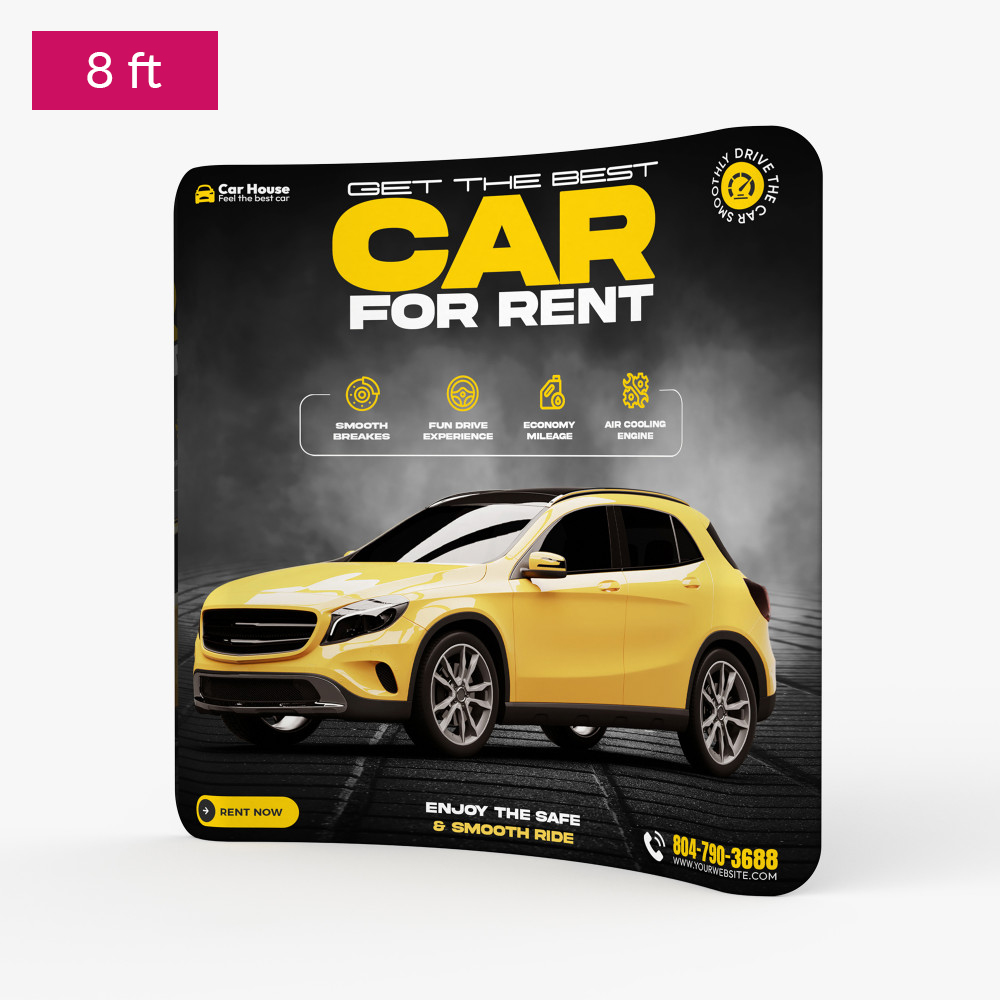
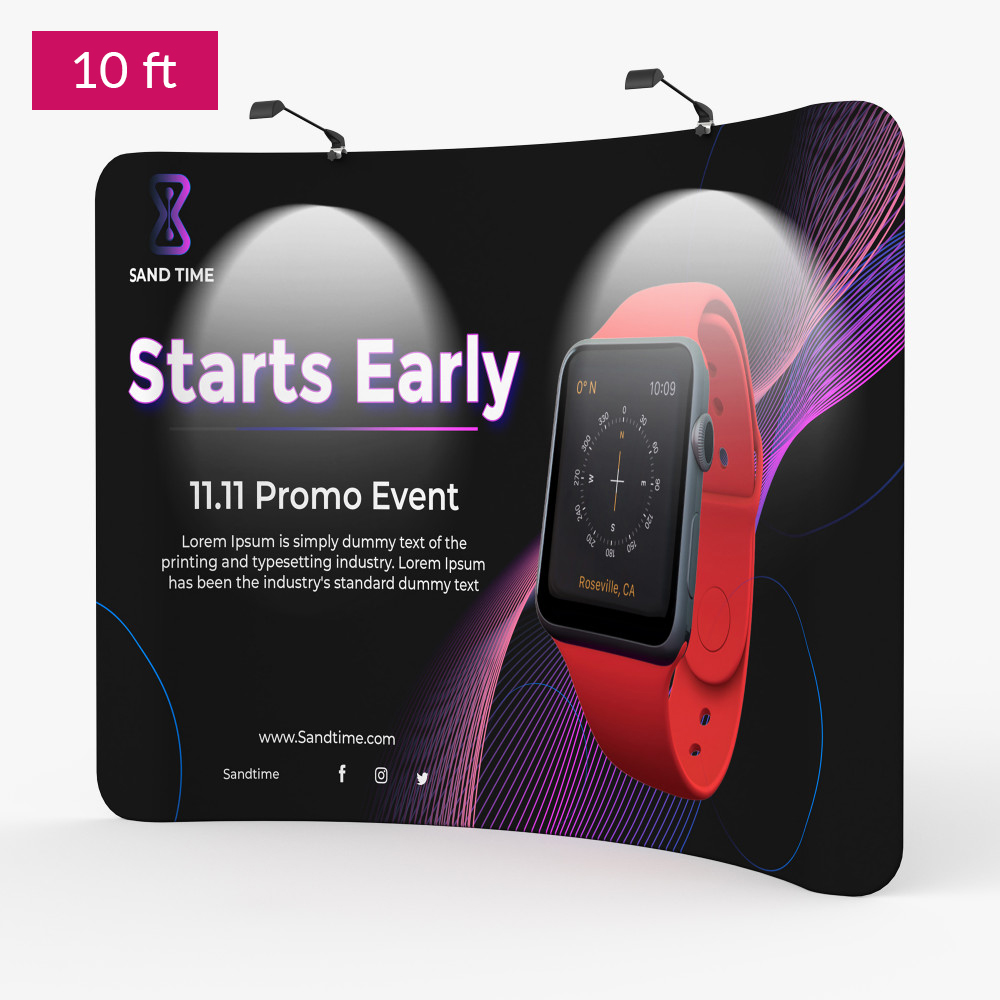
Curved Tension Fabric Displays
You’re now subscribed to price tracking for this product. We’ll notify you if the price drops.
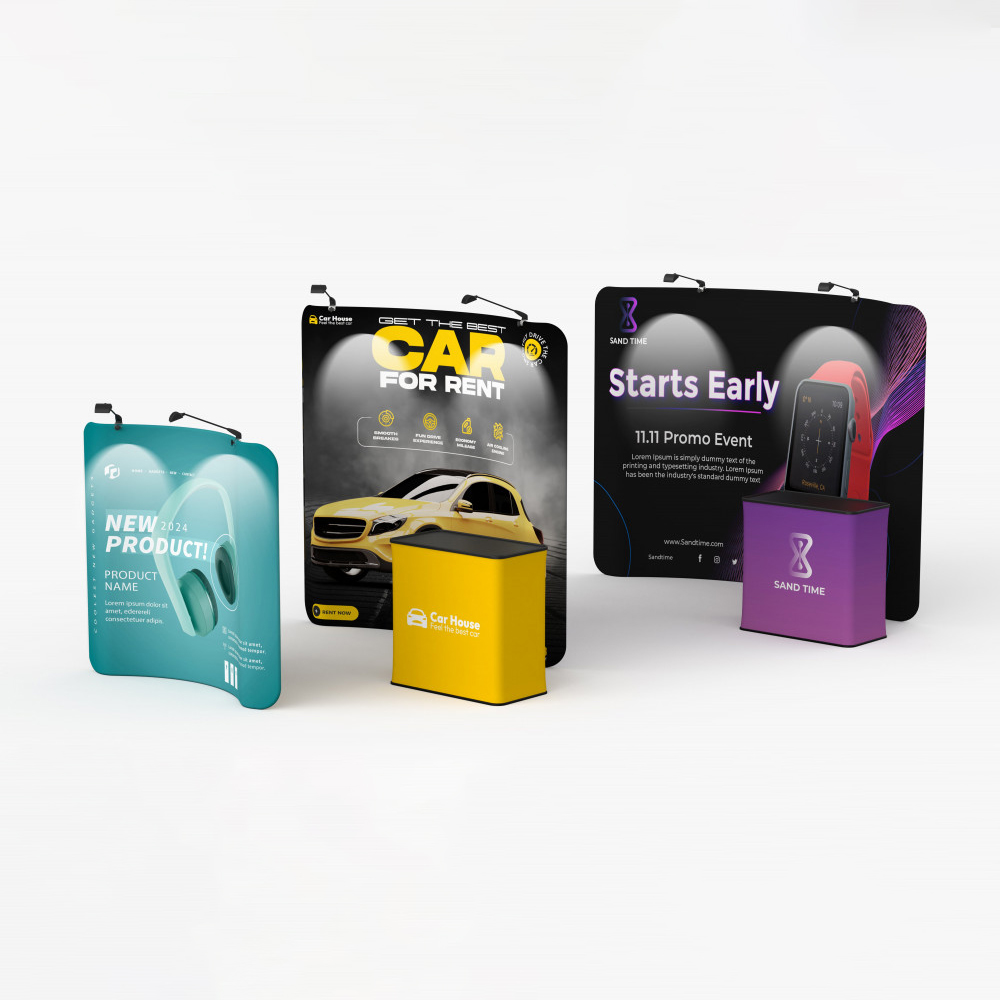
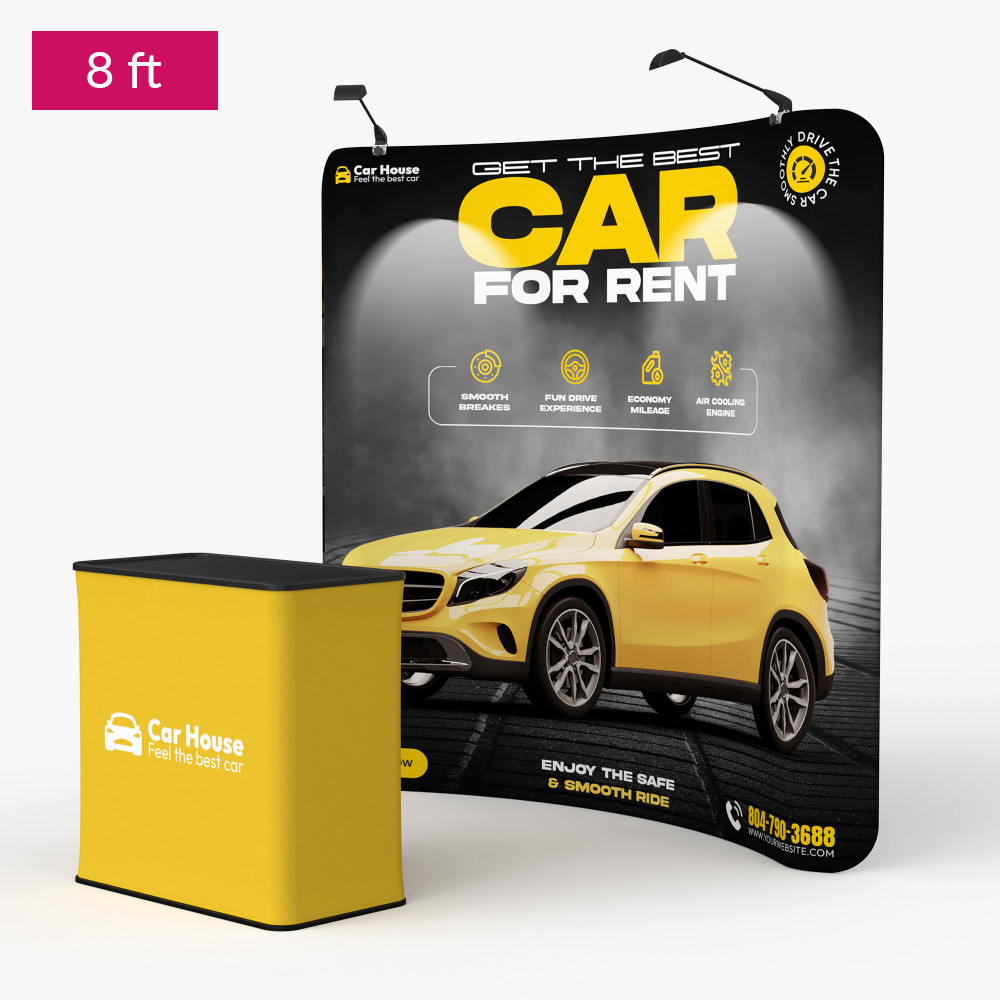
Exhibits and Events Backdrop
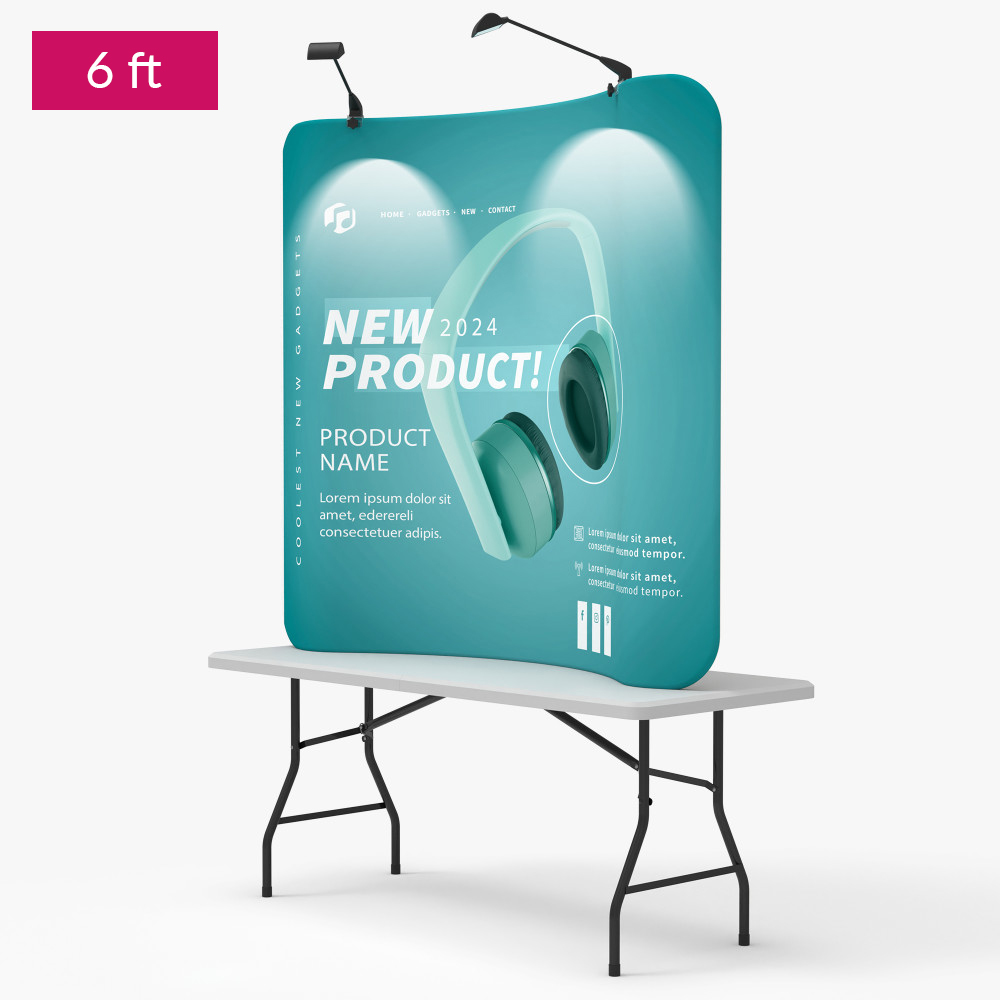
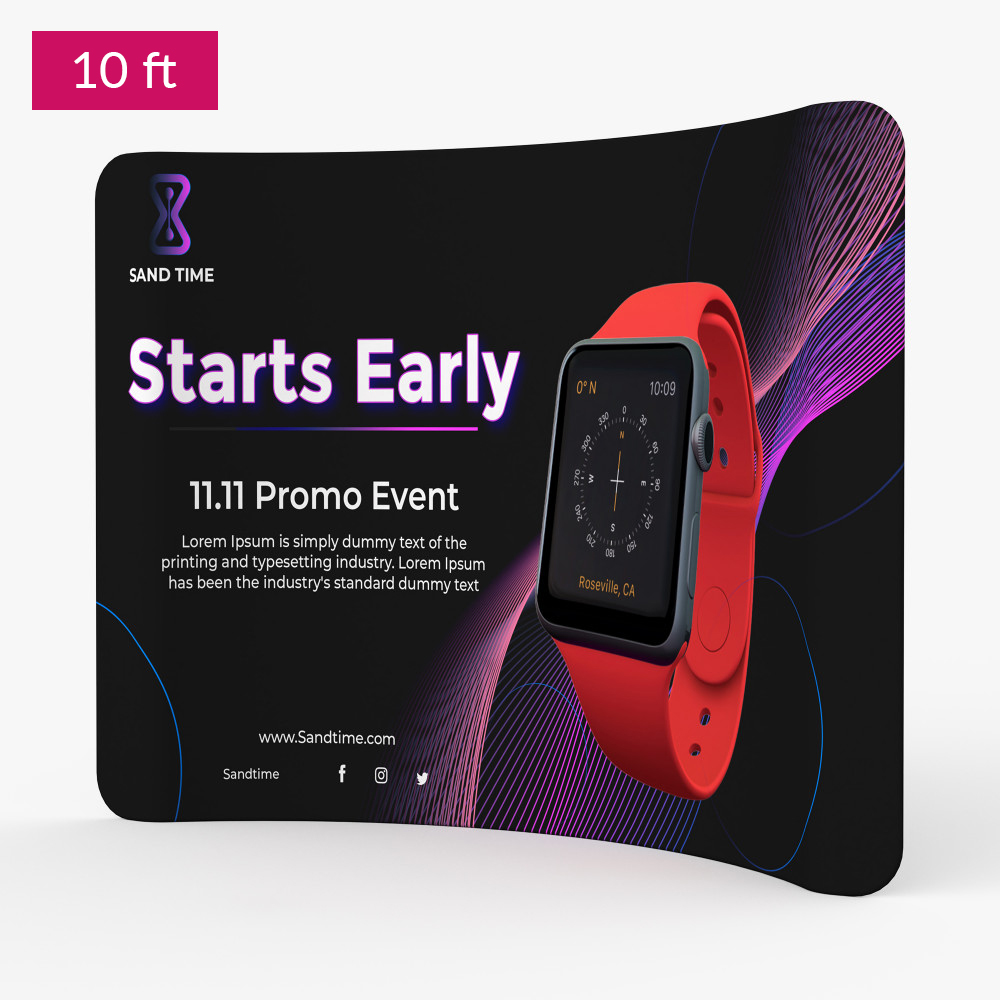
- Tradeshow fabric displays for exhibits and backdrops
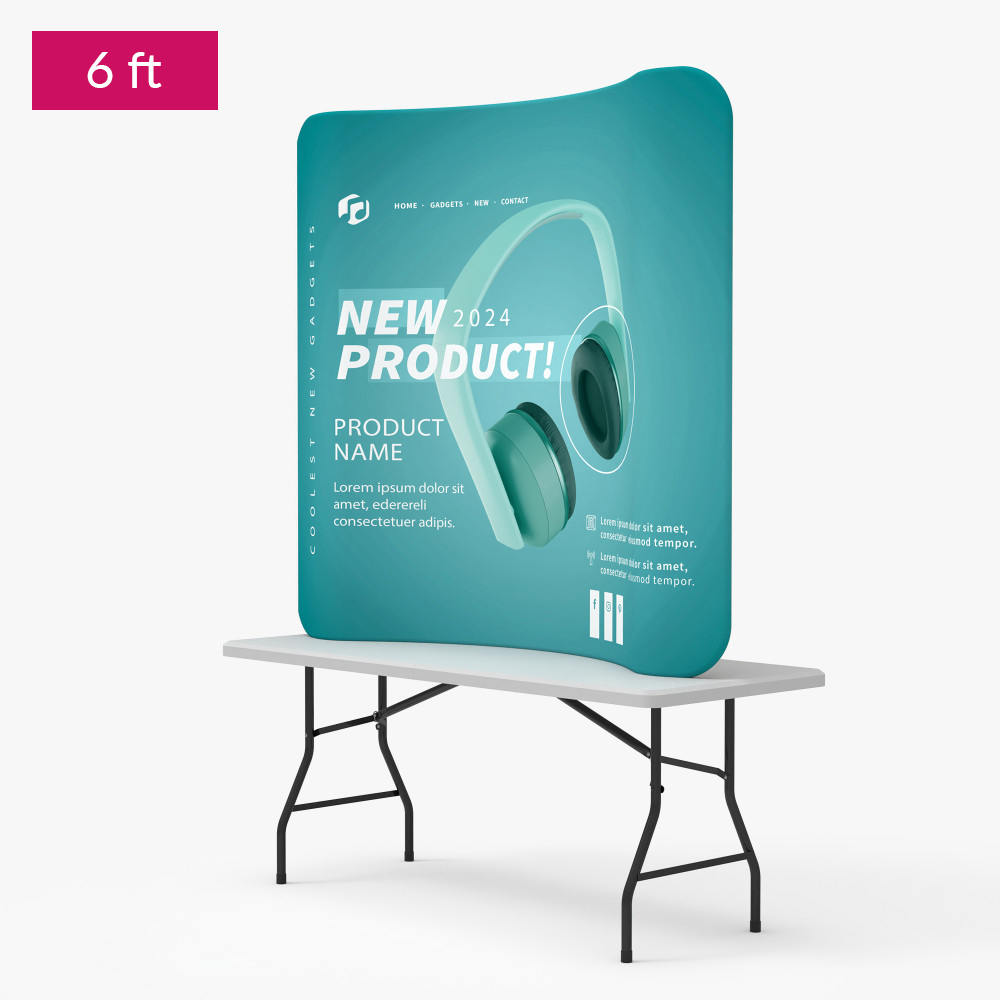
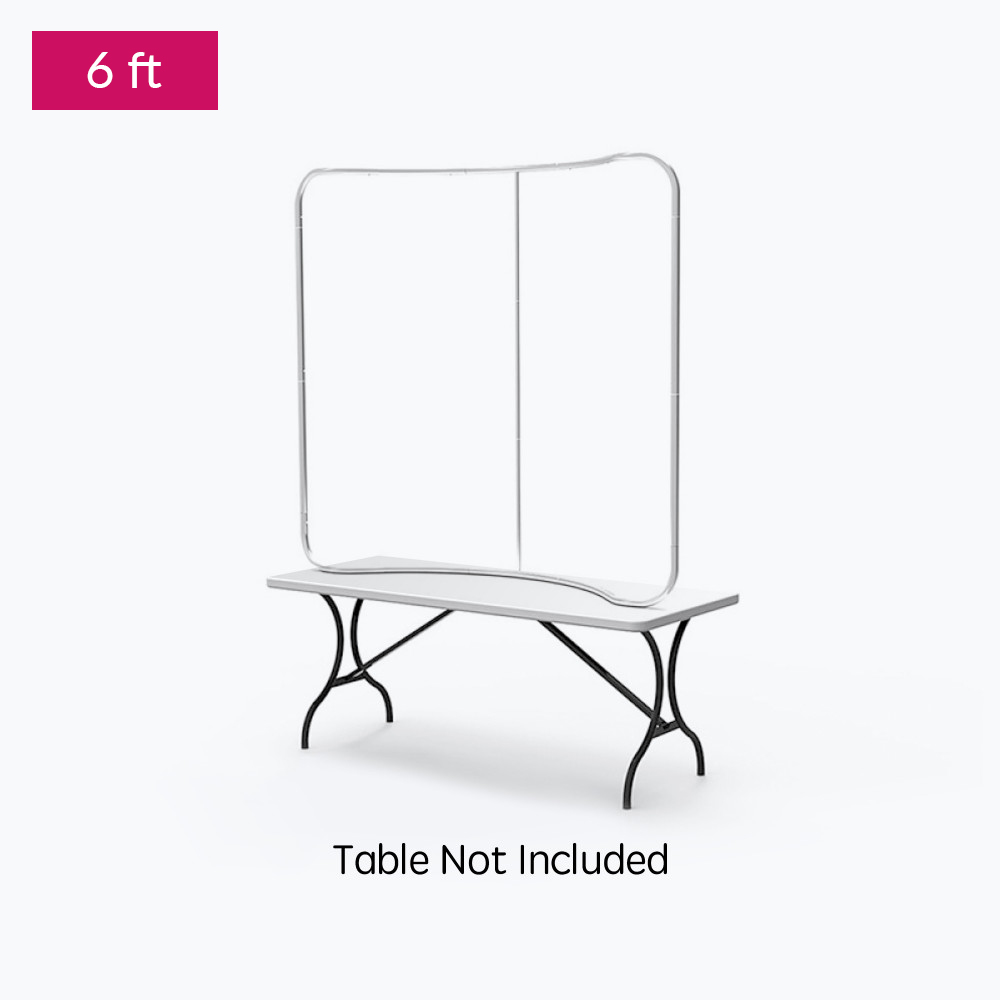
- 8′ and 10′ floor-standing displays; 6ft display designed for tabletops
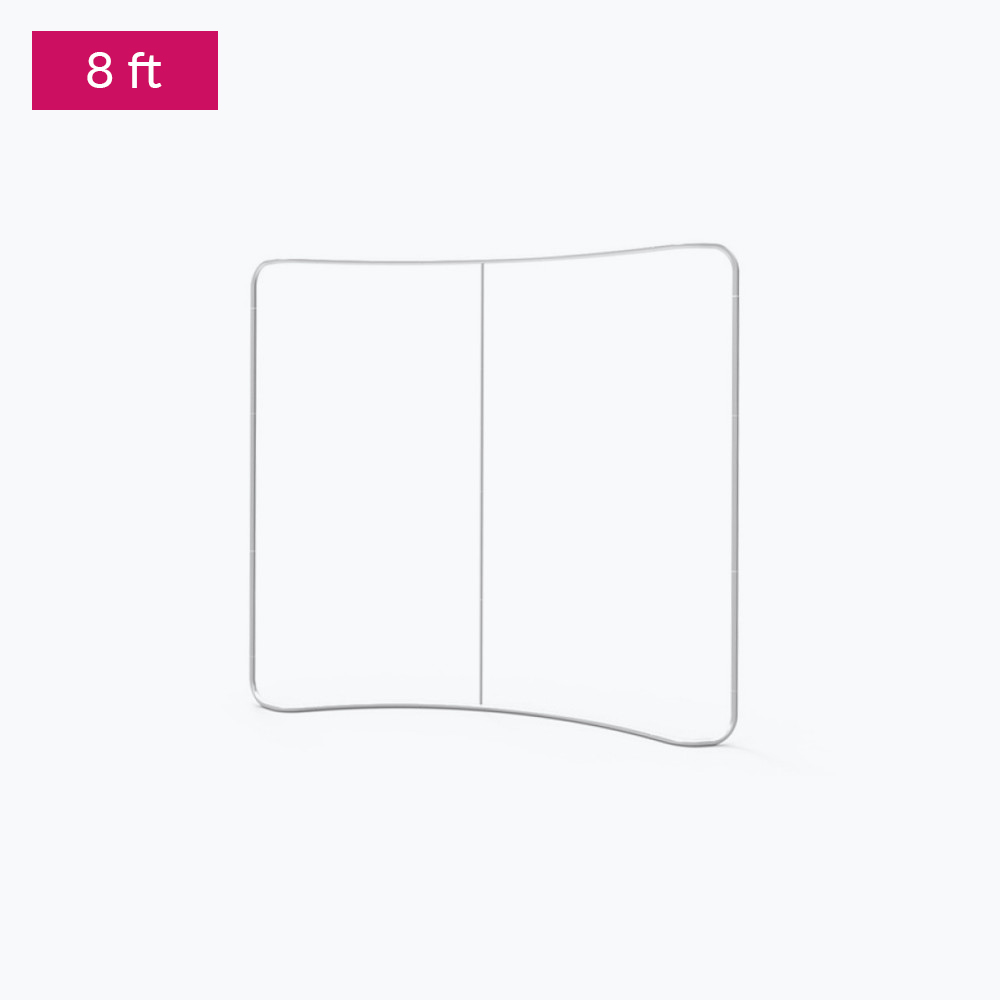
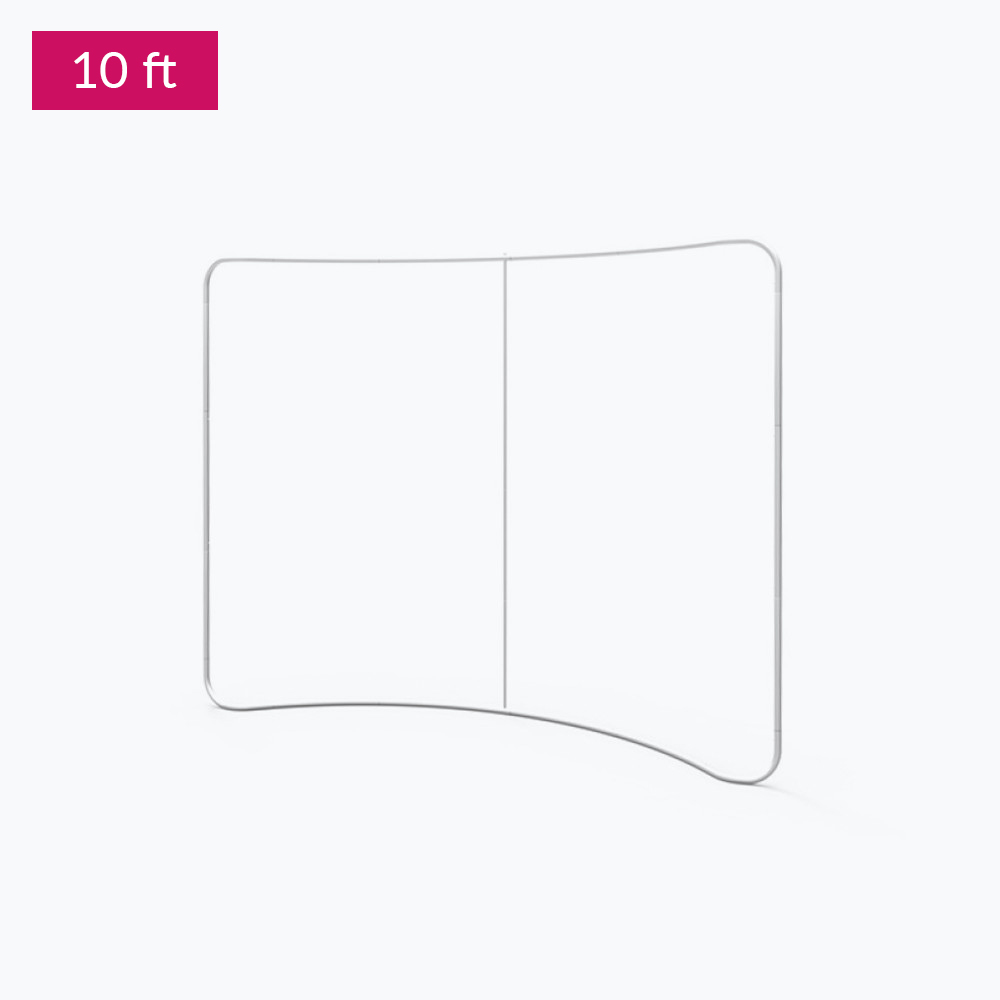
- The curved frame is freestanding
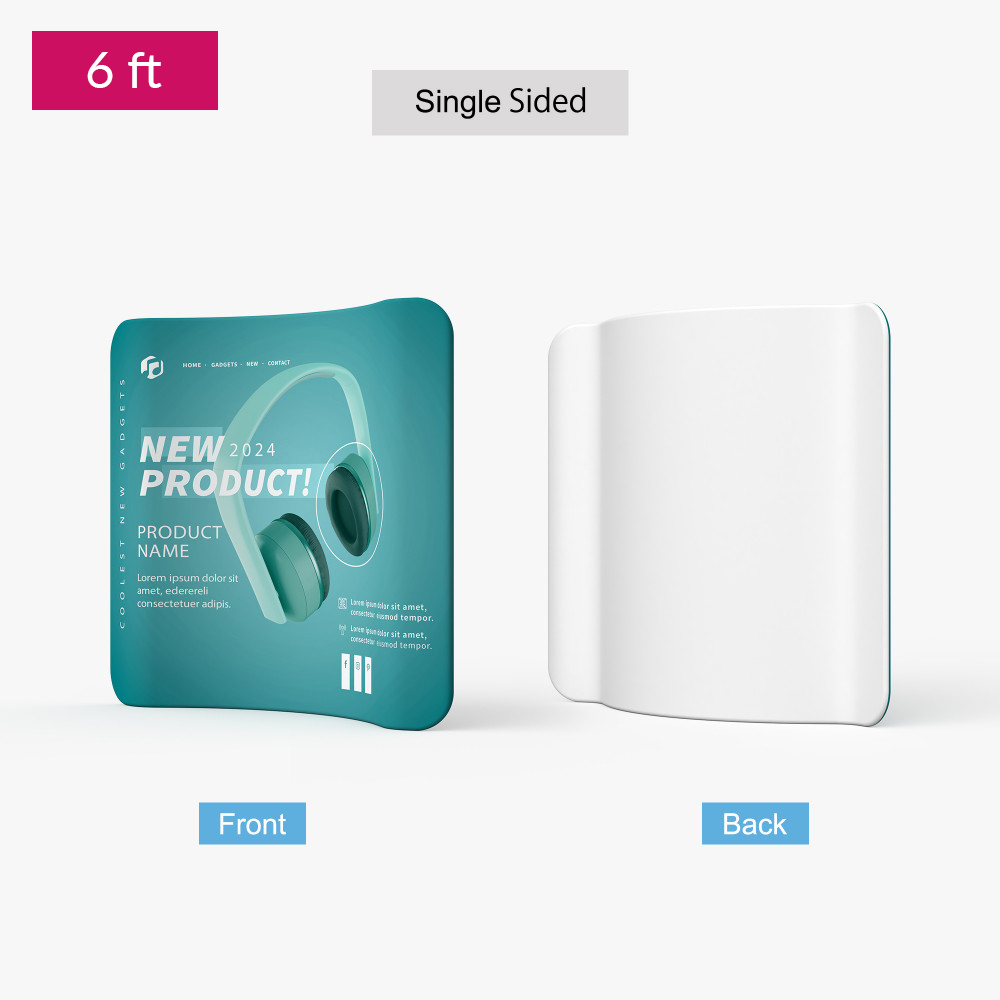
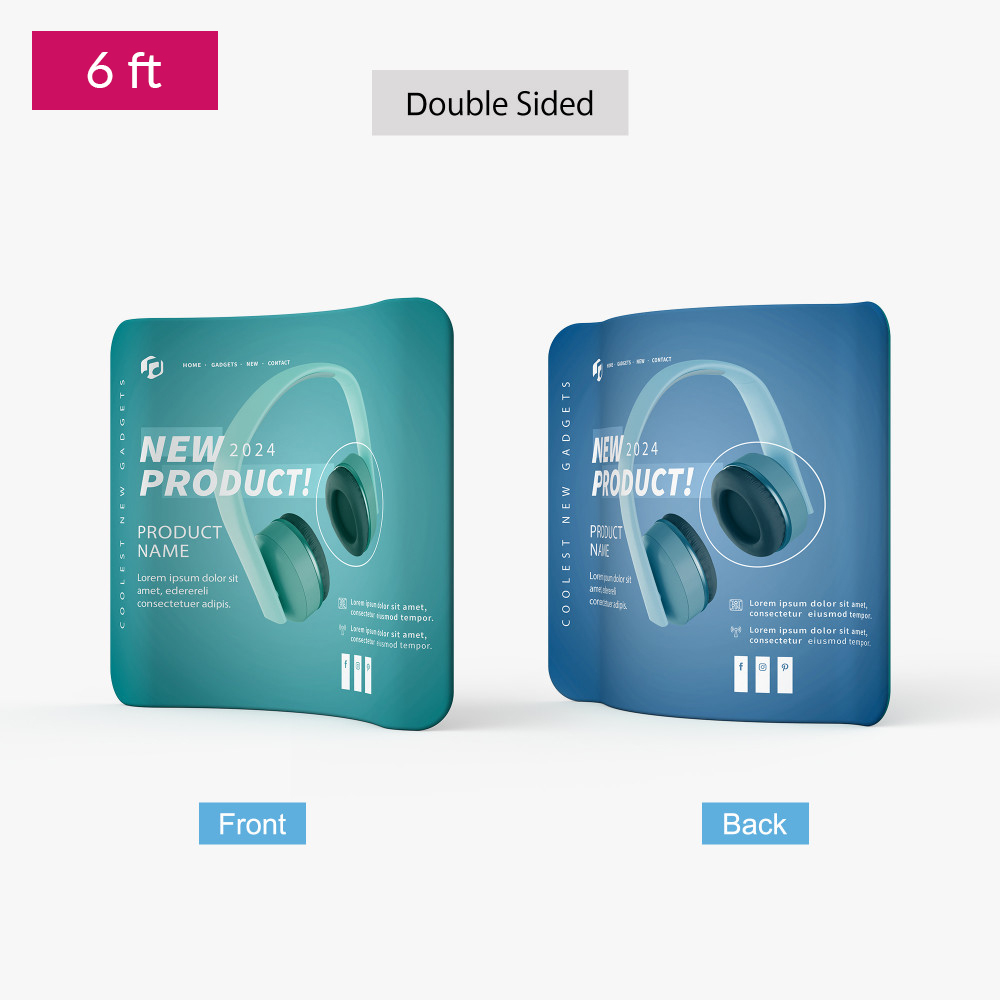
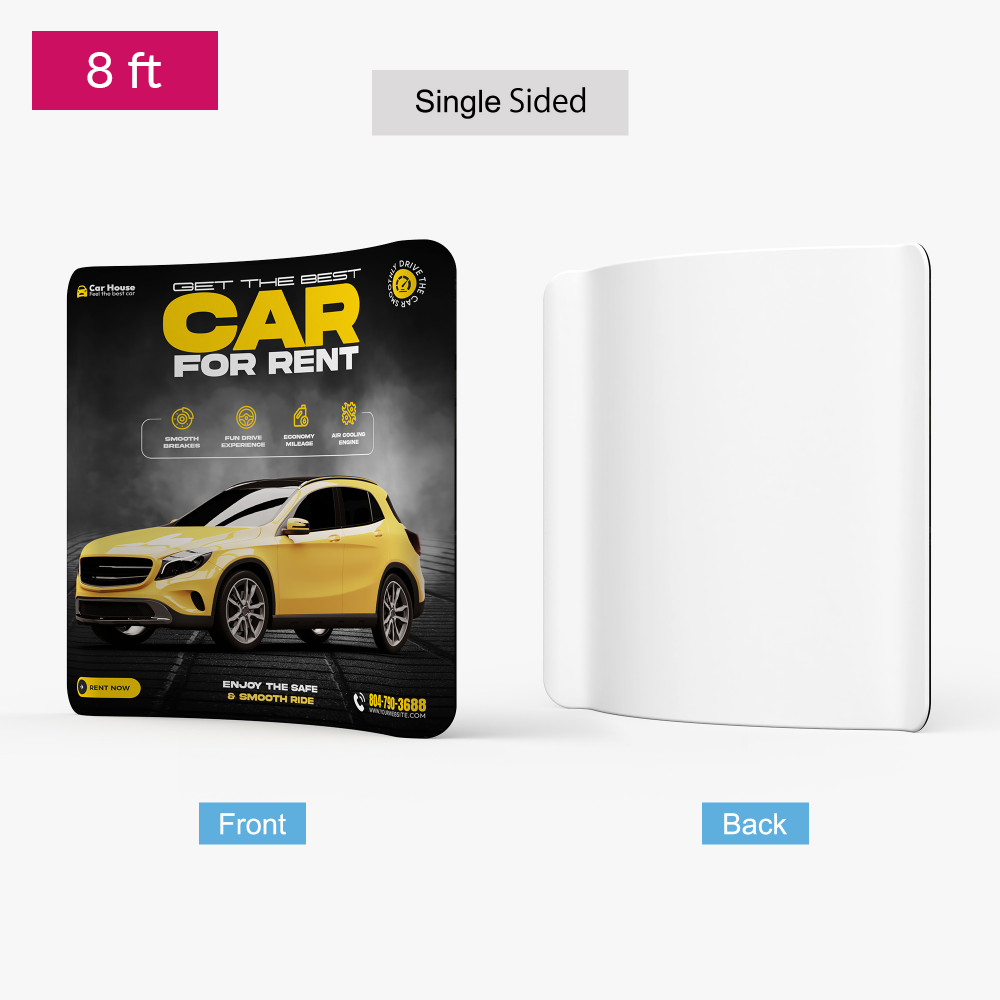
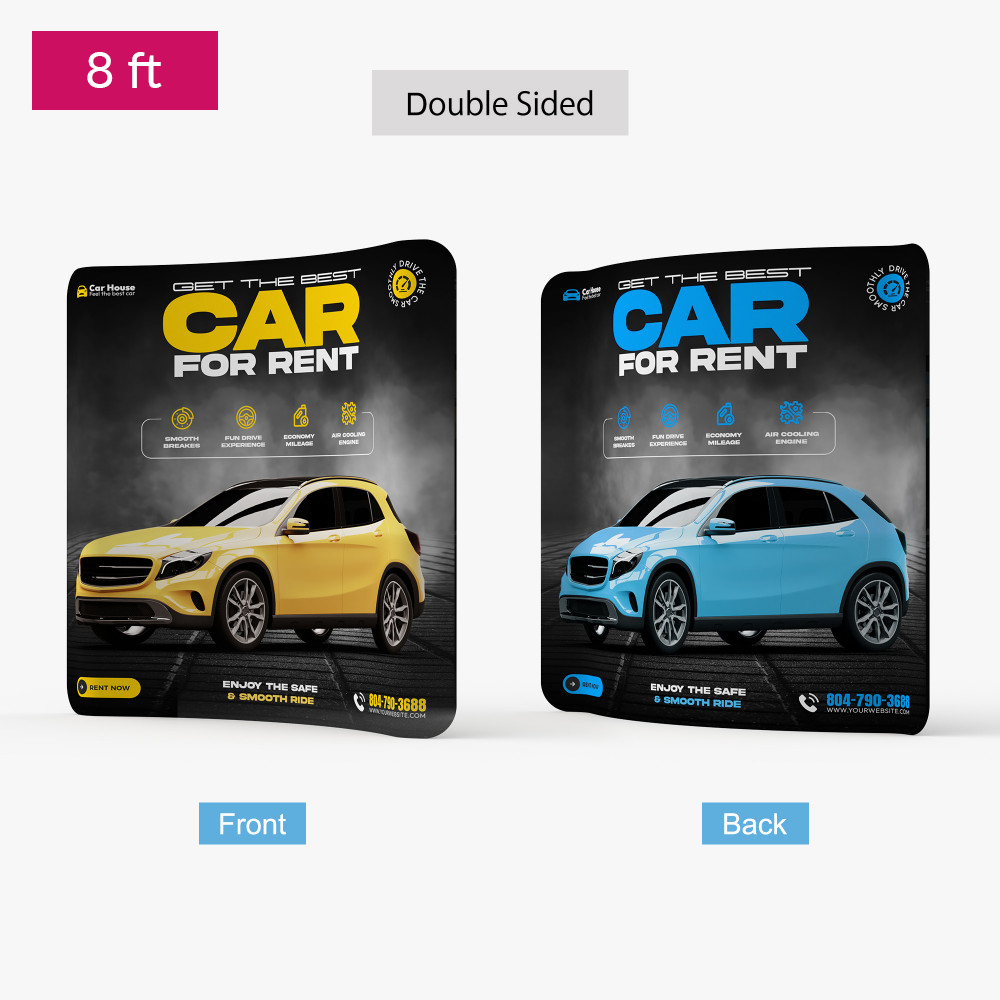
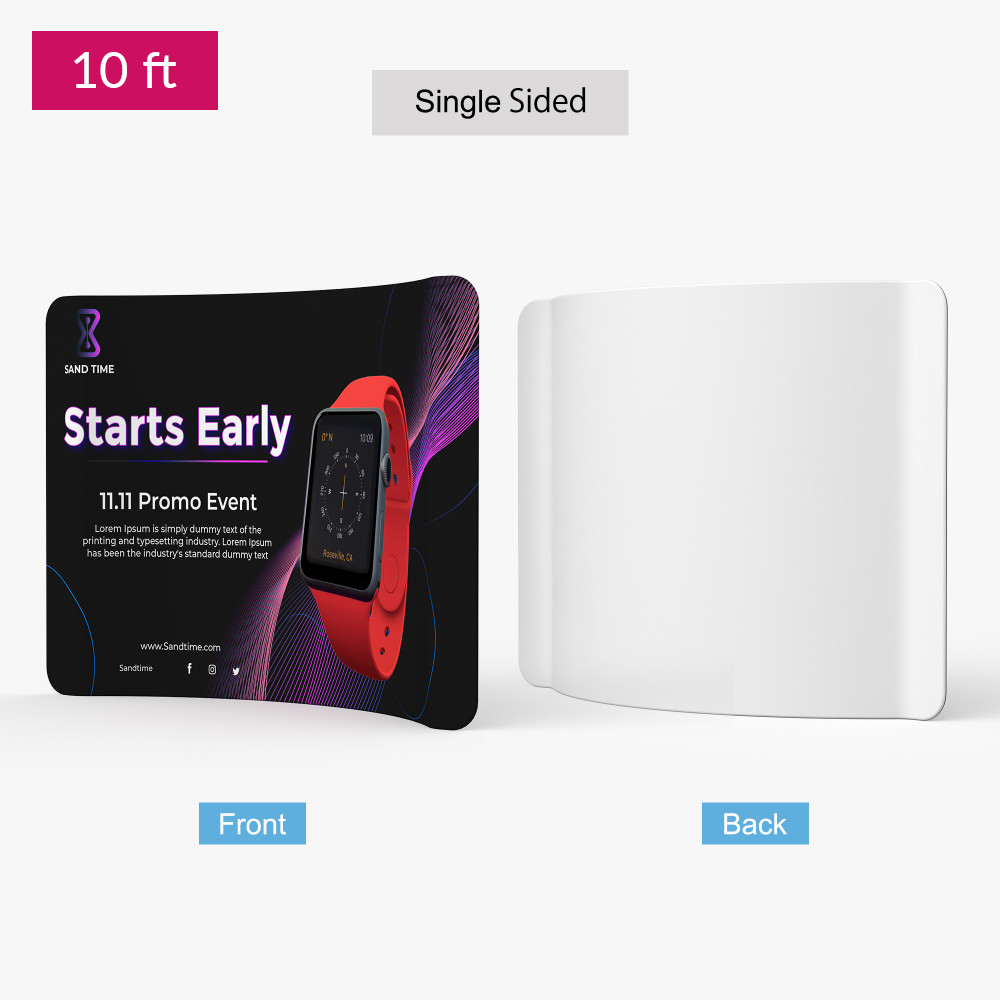
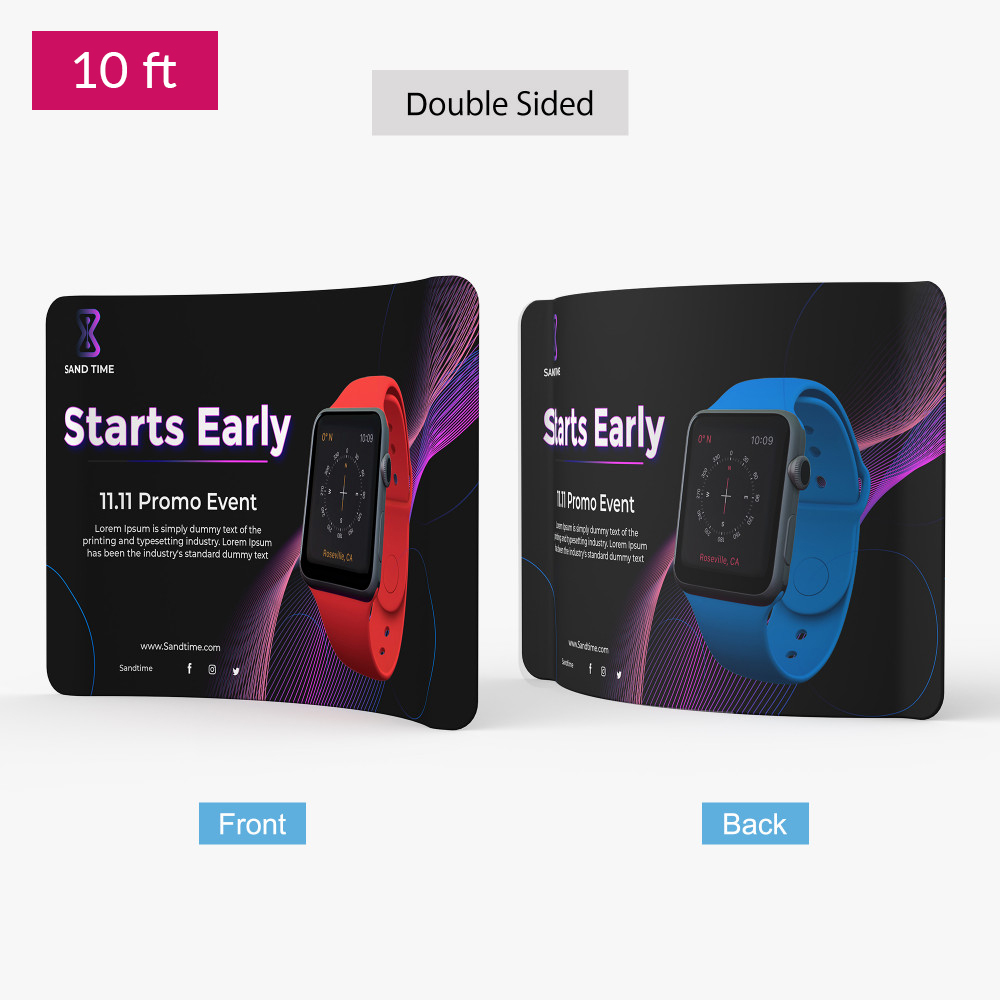
- Single or double-sided tension fabric dye-sub print
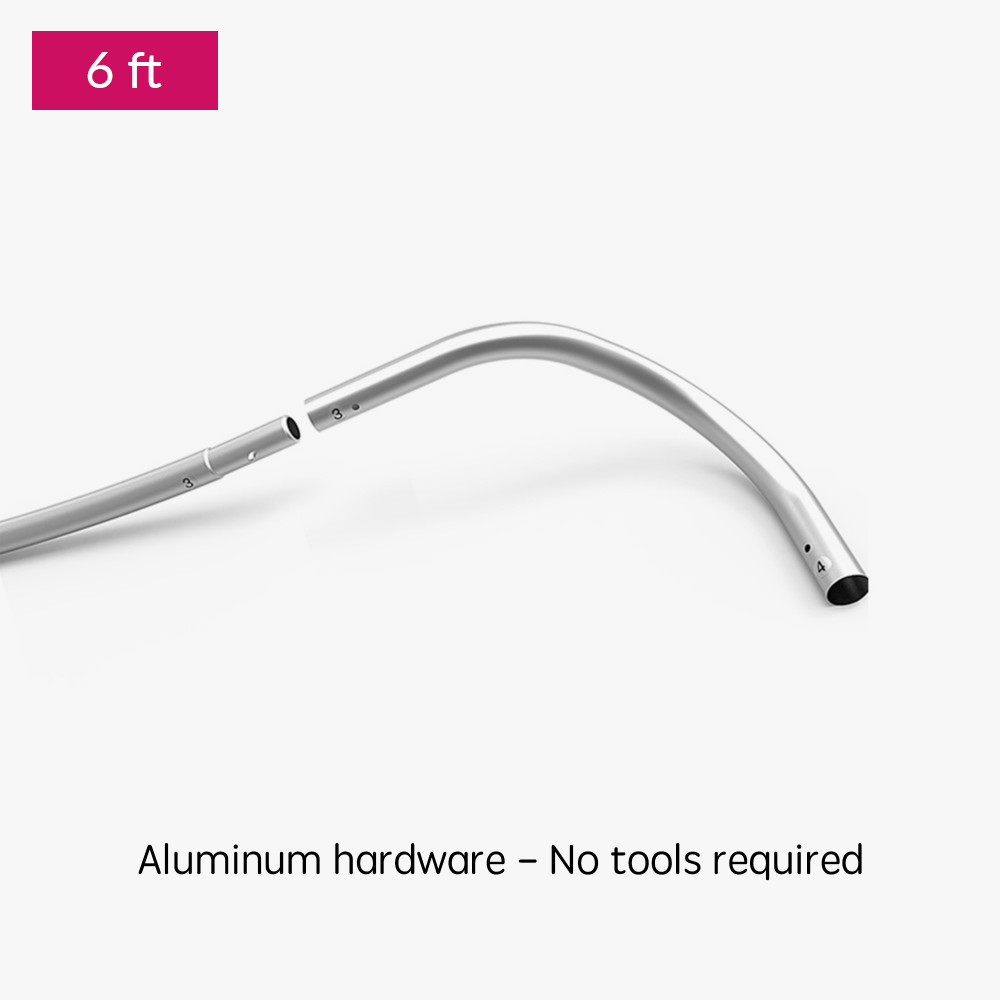
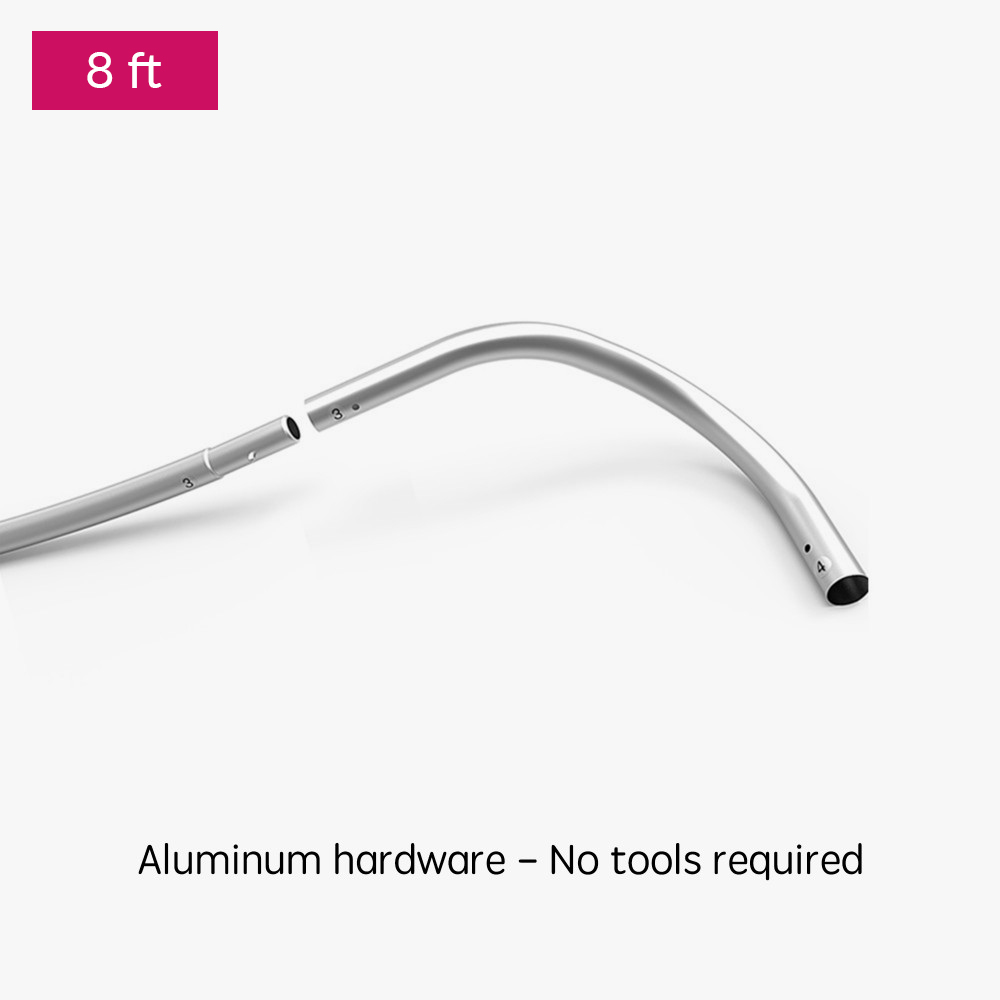
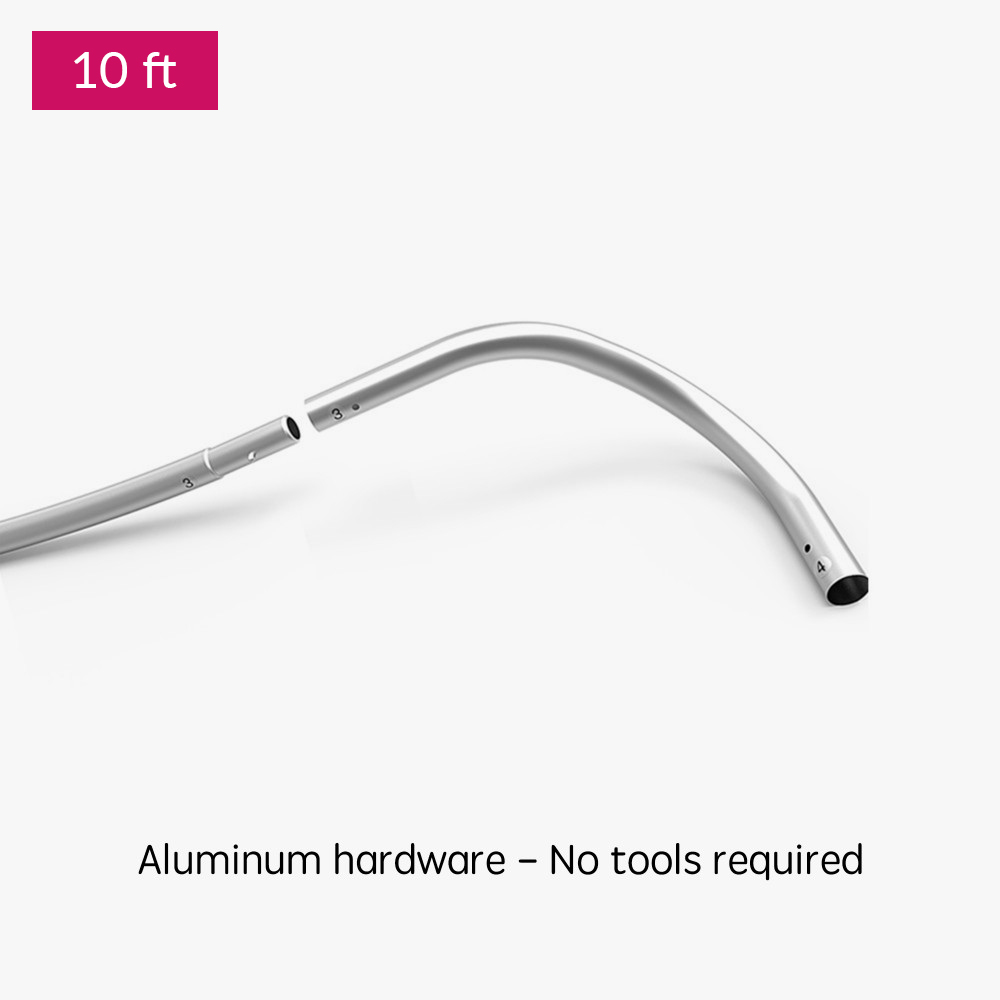
- Tool free tube hardware·- fast assembly
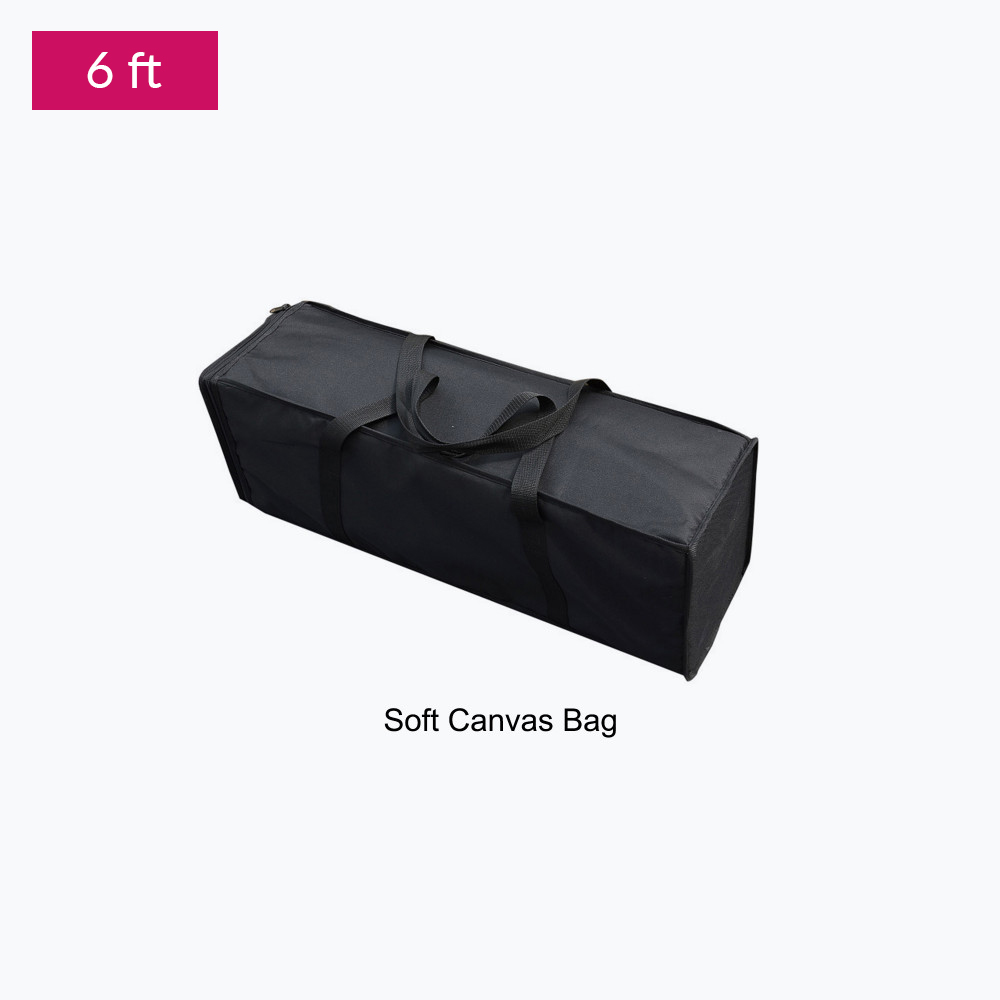
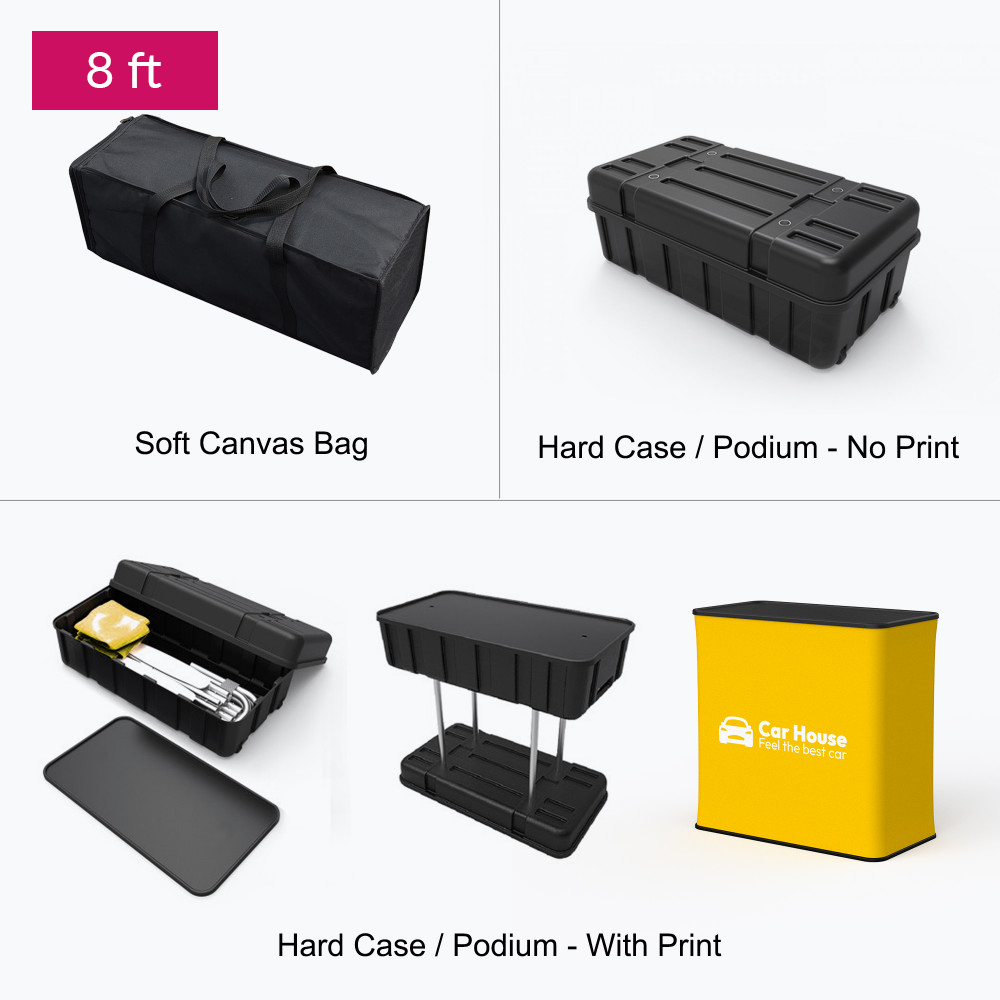
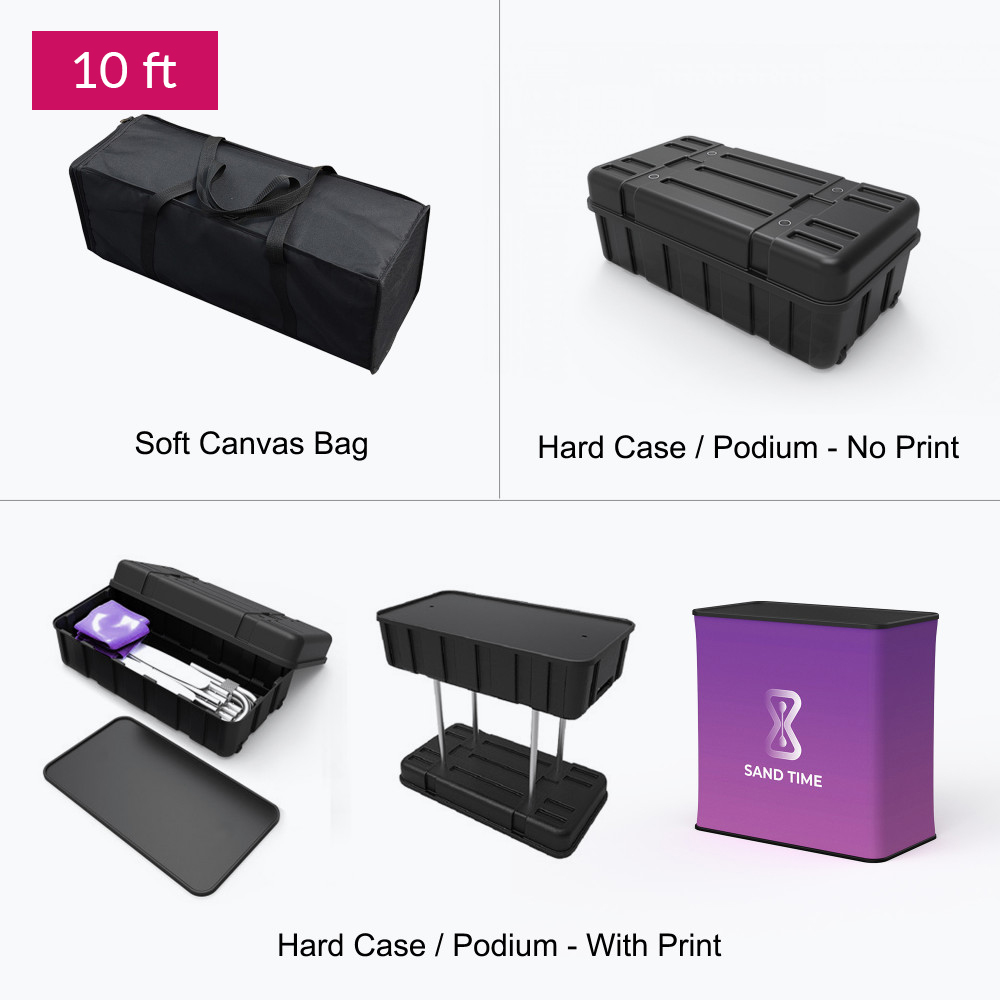
- Carry bag included for 6′, 8′ and 10′ displays
- Hard case / Podium options available for 8′ and 10′
Description
Our tension displays consist of lightweight but durable aluminum hardware and a fabric dye-sublimated print. The hardware is inserted inside the print, much like a pillow into a pillowcase. The fabric print is stretched tight across the frame and zipped close.
Spec
Material:
- 8.8 oz. Tension Fabric
Hardware:
- Aluminum – Interlocking tube
- Soft canvas bag (complimentary)
- Hard Case – Durable Plastic (optional)
Size and Weight :
| Size and Weight | 6ft Curve Shape | 8ft Curve Shape | 10ft Curve Shape |
|---|---|---|---|
Display Size | 72″W x 60″H | 96″W x 89″H | 120″W x 89″H |
Graphic Size | 78″W x 65.5″H | 102″W x 91″H | 124.5″W x 91″H |
Weight (w/ soft canvas bag) | 15 lbs | 20 lbs | 22 lbs |
Weight (w/ podium & led lights) | N/A | 51 lbs | 55 lbs |
Package Size (soft canvas bag) | 32″W x 10″H x 9″D | 32″W x 11″H x 11″D | 32″W x 11″H x 11″D |
Package Size (hard case) | 40″W x 21″H x 17″D | 40″W x 21″H x 17″D | 40″W x 21″H x 17″D |
Podium Size | 37″W x 37″H x 20″D | 37″W x 37″H x 20″D | 37″W x 37″H x 20″D |
File Setup Guidelines
To ensure flawless printing, follow these file preparation instructions:
- Accepted Formats: JPEG or PDF (single page only)
- Color Space: CMYK (convert Pantones or spot colors to CMYK)
- Resolution: 150 DPI for clear and vibrant prints
- File Size: Maximum upload size is 300MB
- Design Note: Submit artwork to the exact size —scaled artwork will be adjusted automatically.
Double-Sided Designs:
- Upload two separate files unless using a provided template.
Additional Tips:
- Convert live fonts to outlines to avoid font mismatches.
- Omit crop marks and bleeds to streamline the setup process.
- Use provided templates for accurate artwork alignment.
Templates
- Do not adjust artboard size.
- Do not reposition guidelines
- Design on layer labelled "Artwork"
- Delete mask/guide layers when instructed by template
